
Supply Chain App Development: 7 Features to Cut Costs & Delays
I once watched a warehouse supervisor do something that felt like performance art. He had a clipboard under one arm, a phone wedged between his shoulder and ear, and he was shouting bay numbers like he was calling bingo. Every few minutes he’d stop, squint at a pallet label, and then… rewrite the same information onto a different bit of paper.
None of it was “wrong”. It was just the kind of daily chaos that quietly burns money. Not in a dramatic, headline way—more like a slow leak you don’t notice until the floorboards start to warp.
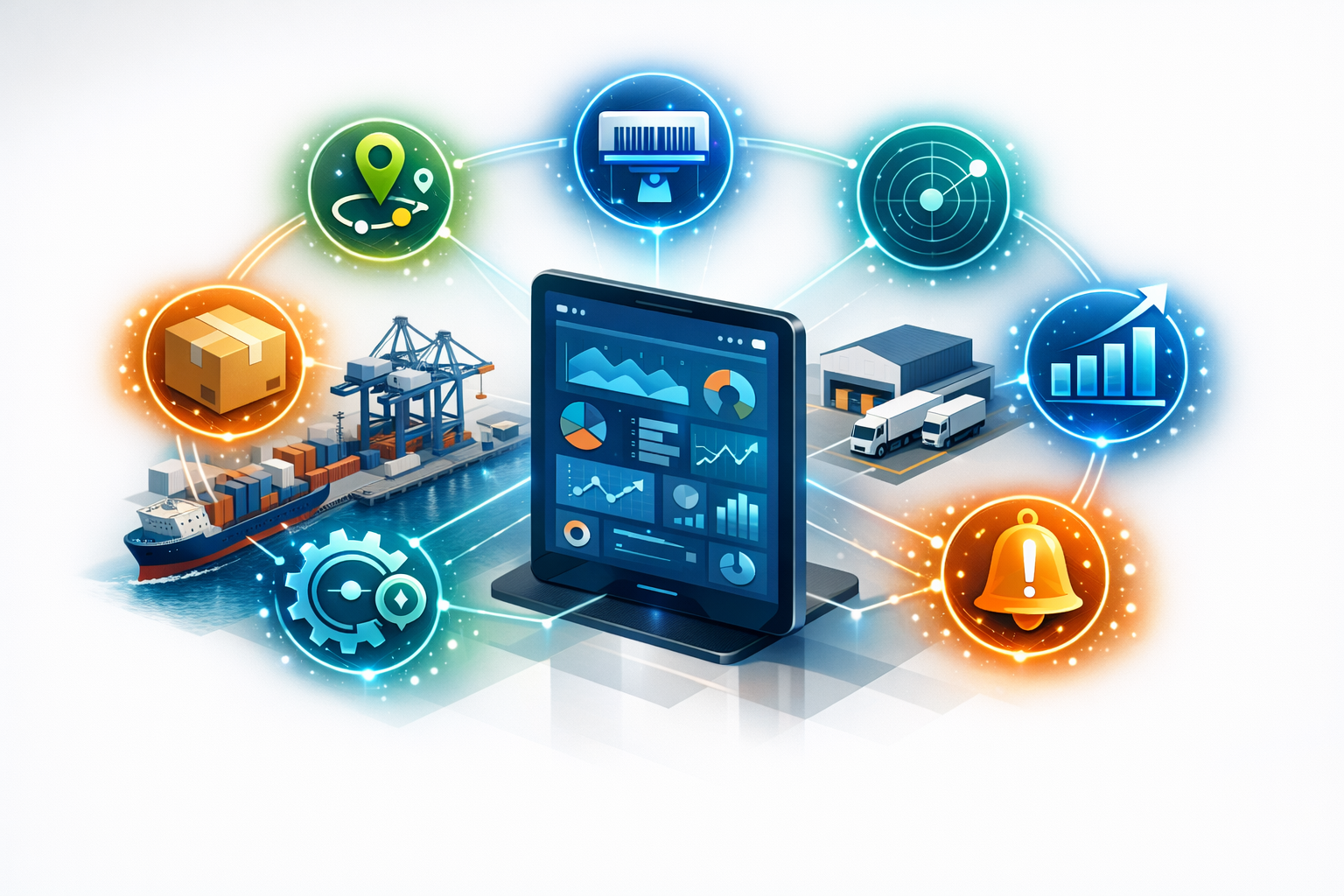
If you’re thinking about supply chain app development (or you’ve already got an app that’s… fine, technically), the goal usually isn’t to build something flashy. It’s to cut costs and delays without turning your team into full-time data entry clerks. So let’s talk about seven features that actually move the needle—because I’ve seen what happens when you miss them.
1) Real-time inventory that people actually trust
Most businesses don’t have an inventory problem. They have an inventory truth problem. The system says you’ve got 42 units. The shelf says you’ve got 9. The customer order says you need 12 by Tuesday. Guess who loses?
A supply chain management app needs real-time inventory visibility—stock on hand, stock reserved, stock in transit, stock damaged, and stock that’s technically “there” but buried behind something heavier. The trick is making it trustworthy enough that people stop keeping shadow spreadsheets.
What to build: barcode/QR scanning, fast adjustments with reason codes, and a clear audit trail. If someone changes a number, you want to know who did it, when, and why—without making them feel like they’re being interrogated.
And yes, make it work offline. Warehouses have dead zones. Delivery yards have dead zones. Even some “modern” facilities have Wi‑Fi that behaves like it’s paid by the minute.
2) Order and shipment tracking that doesn’t require guesswork
Customers don’t mind delays as much as they mind silence. Your ops team doesn’t mind problems as much as they mind surprises. A decent supply chain app should reduce the amount of “Where is it?” phone calls to near zero.
This is where shipment tracking and order status updates earn their keep. Not just a vague “shipped” label, but proper milestones: picked, packed, staged, loaded, departed, arrived at hub, out for delivery, delivered, exception.
What to build: carrier integrations where possible, but also manual check-ins that are quick. If you rely only on perfect EDI feeds, you’ll spend your life waiting for “Phase 2”. Let drivers or warehouse staff update status with one tap and a photo when needed.
And please—timestamps. If you can’t tell when something changed, you can’t diagnose delays. You’ll just argue about them.
3) Smart alerts that stop fires early (without creating new ones)
I’ve seen teams drown in notifications. Every little thing pings someone, so eventually nobody listens. Then the one alert that matters—temperature excursion, missed scan, short pick—gets ignored like it’s another “friendly reminder”.
The best supply chain app features use alerts like a smoke alarm, not like a car alarm. They should trigger when a threshold is crossed, not when the system feels chatty.
What to build: configurable alert rules by role and by site. A warehouse manager needs different alerts than a procurement lead. Add escalation—if an exception isn’t acknowledged in 20 minutes, it goes to the next person. Quiet hours help too, unless you enjoy being hated.
Also, make alerts actionable. “Shipment delayed” is useless. “Shipment delayed—carrier scan missing at hub; contact X or rebook with Y” is the difference between stress and progress.
4) Proof of delivery and exceptions, captured in the moment
Returns and disputes are where margins go to die. Not always because someone’s lying—sometimes because nobody can prove what happened. A box arrived crushed. A pallet was short. A signature was “not available”. And now you’re stuck in an email chain that lasts longer than the actual delivery route.
Proof of delivery (POD) inside your supply chain app cuts through that. But only if it’s built for real life, not for an idealised process map that assumes everyone’s wearing clean gloves and smiling.
What to build: signature capture, geotagged photos, timestamped notes, and a simple exception flow: damaged, missing, refused, wrong address, customer not available. Let drivers attach multiple photos and a quick comment—because “box smashed” and “pallet wrap torn” are not the same thing.
If you ship regulated or high-value goods, add ID capture and chain-of-custody steps. Not because it’s fancy—because it stops arguments later.
5) Supplier and procurement visibility that doesn’t live in someone’s inbox
Procurement is often treated like a separate universe. The warehouse is doing one thing, planning is doing another, and purchasing is chasing suppliers via email like it’s 2009. Then everyone acts surprised when lead times slip.
A good supply chain management app pulls supplier performance into the same view as demand and inventory. Not as a “vendor scorecard” for punishment—more like a weather forecast. If Supplier A is trending late, you plan differently. You don’t just hope harder.
What to build: purchase order status tracking, promised vs actual delivery dates, partial shipment handling, and a simple supplier portal (or at least structured email links) for confirmations. Bonus points for capturing reasons: capacity, materials shortage, customs, transport issues.
Even basic visibility here cuts delays because you stop finding out problems at the last possible second.
6) Workflow automation that removes the boring bits (not the human judgement)
Automation gets oversold. People hear it and imagine robots and blinking dashboards. In reality, the best automation is the unsexy kind: auto-creating tasks, pre-filling forms, routing approvals, generating labels, and nudging people when something’s stuck.
When you build a supply chain app, look for the moments where humans are doing repetitive admin that doesn’t require thinking. That’s where mistakes breed. That’s where delays hide.
What to build: rules like “if inventory drops below X, create a replenishment request”, “if order value is above Y, require a second approval”, “if a pick is short, trigger a cycle count in that location”. Keep it transparent—users should be able to see why the system did something.
And don’t automate away the ability to override. People need an escape hatch. Just make overrides visible and reviewable, so they don’t become the default.
7) Analytics that answer real questions, fast
Most analytics dashboards are either too shallow (“orders shipped: 1,284”) or too complicated (“here are 37 charts you’ll never open again”). The sweet spot is a handful of metrics that help you make better decisions this week, not next quarter.
In supply chain app development, analytics should be built from the questions your team already asks out loud. The ones that start with, “Why are we always late on…?” or “Where did the cost blow out…?”
What to build: on-time-in-full (OTIF), dwell time by location, pick accuracy, inventory turns, supplier lead time variance, cost per shipment, and exception rates. Let people filter by site, customer, carrier, SKU family. And make exporting painless—because someone will always need to send a file to someone else.
One more thing: define metrics clearly in the app. If “on time” means different things to different teams, you’ll spend your life debating numbers instead of fixing problems.
A few practical notes before you build (or rebuild)
Here’s the part nobody wants to hear: features don’t fix broken data. If your product master is messy, your locations aren’t standardised, or your units of measure are a free-for-all, the app will faithfully reproduce that chaos at scale. Which is… impressive, in a depressing way.
Start small. Pick one workflow that’s painful and frequent—receiving, picking, dispatch, returns—and make it smooth. If you try to solve the entire supply chain in one release, you’ll end up with a beautiful app that nobody uses because it’s too hard to learn on a Monday morning.
Also, spend time on the “unimportant” stuff: speed, offline mode, search, and permissions. The best supply chain apps feel almost boring. They don’t fight you. They don’t make you tap five times to do one thing. They don’t show a driver the same fields you show a finance admin.
If you’re improving a current app, look for the workarounds. The WhatsApp groups. The printed sheets. The end-of-day retyping. People don’t create those habits because they love extra work. They create them because the system isn’t meeting them where they are.
And if you’re building from scratch, talk to the people who touch the product. Not just managers. The forklift drivers, dispatchers, planners, and customer service folks. They’ll tell you where time disappears. They’ll also tell you which “simple” idea will break on day one.
Costs and delays rarely come from one big disaster. They come from a thousand tiny frictions—an extra minute here, a missed scan there, a supplier update that arrives too late, an exception that sits unnoticed. A well-built supply chain management app doesn’t eliminate reality. It just makes reality easier to see… and easier to deal with.
And honestly, that’s enough.