
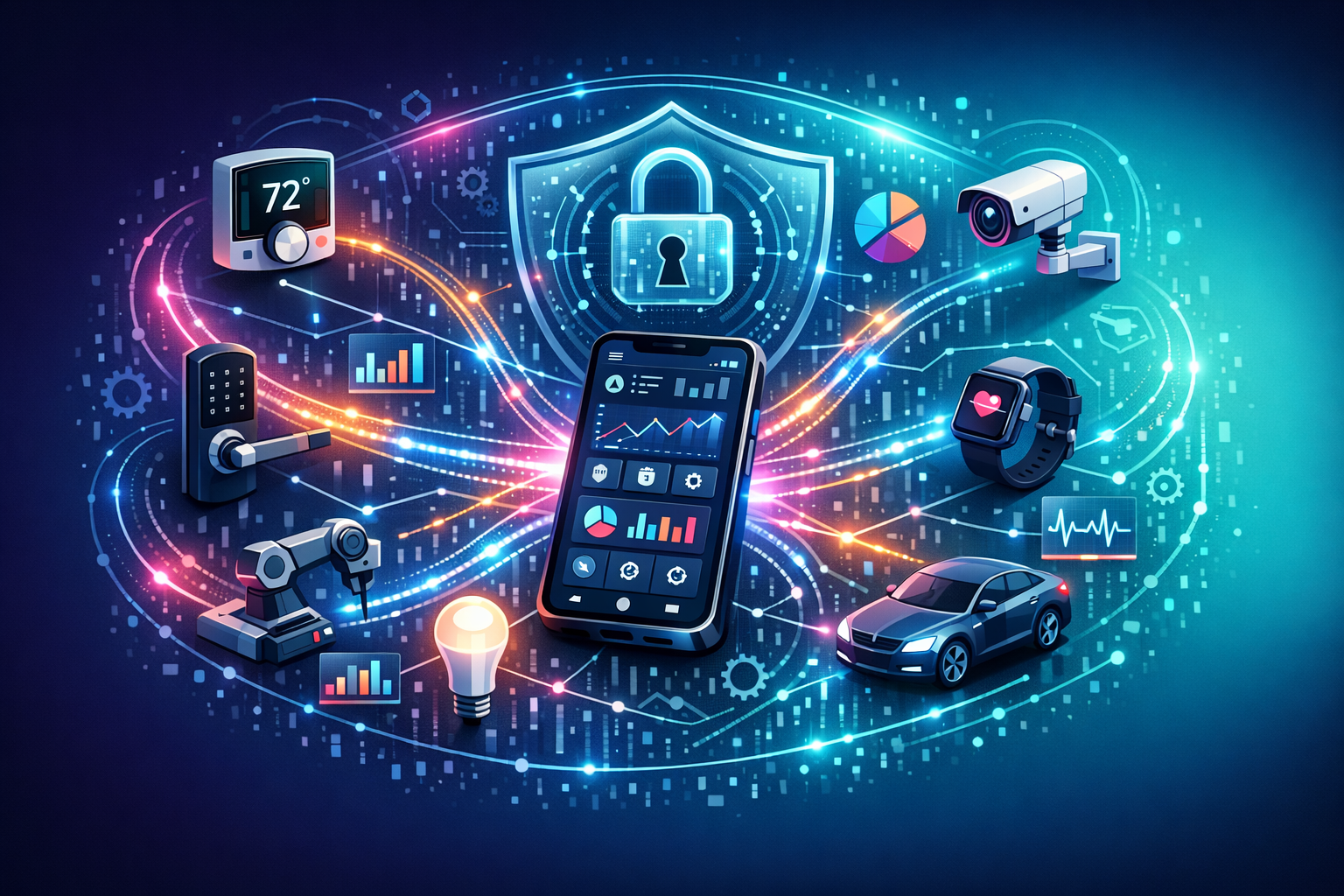
IoT Integration in Apps: Real-Time Data, Automation & Security Tips
The first time I saw an “IoT-enabled” business app in the wild, it wasn’t glamorous. It was a small café. The owner was staring at her phone like it had personally betrayed her… because the fridge temperature graph had spiked at 3:12am and nobody noticed until the milk smelled like regret.
That’s the thing with IoT integration in apps—when it works, it’s invisible. When it doesn’t, it’s very, very real. Spoiled stock. A frozen pipe. A machine that quietly stops doing the one job it exists to do.
If you’re building an app for your business (or trying to make an existing one less… temperamental), connecting devices to your app can be a genuinely brilliant move. Real-time data. Automation. Fewer “someone should check that” moments. But it also introduces new failure modes, new security headaches, and a new kind of data mess.
Let’s talk about how to do it without turning your app into a haunted house of sensors.
What “IoT integration” actually means (without the marketing fluff)
IoT integration is just this: devices out in the world send data somewhere, your app reads it (or reacts to it), and you store it in a database so it’s useful later. Sometimes the app also sends commands back—turn the pump off, lock the door, dim the lights, start the generator, whatever.
The “somewhere” is usually a cloud platform, an IoT broker, or your own backend. The device might talk over Wi‑Fi, cellular, Bluetooth, Zigbee… pick your poison. Your app might be mobile, web, or both.
And underneath it all are a few moving parts you’ll want to be clear about early:
- Devices (sensors, gateways, machines, wearables)
- Connectivity (how data gets out of the building / off the field / out of the van)
- Ingestion (where messages land—MQTT broker, HTTP endpoint, vendor cloud)
- Processing (rules, alerts, automation, enrichment)
- Storage (time-series data, event logs, normal app database)
- App experience (dashboards, notifications, controls, audit trails)
If you’re thinking, “That sounds like more than an app,” you’re not wrong. IoT app development is really system design wearing an app-shaped hat.
Real-time data: useful, addictive, and occasionally a trap
Everyone wants real-time data. Live dashboards. Little dots moving on a map. Numbers ticking up like a slot machine. And sure—real-time IoT data can make your app feel alive.
But “real-time” is a spectrum. Most businesses don’t need millisecond updates. They need trustworthy updates. There’s a difference.
When you’re planning IoT integration for your app, start by asking a slightly boring question: What decisions will someone make from this data? If the answer is “none,” you might be building a very expensive screensaver.
Three patterns I’ve seen work well:
- Operational monitoring: “Is the thing OK right now?” Temperature, vibration, battery, connectivity, occupancy.
- Exception-driven alerts: “Tell me when it’s not OK.” Thresholds, rate-of-change, missing heartbeats.
- Historical insight: “Why does this keep happening?” Trends, correlations, maintenance planning.
Also—be honest about latency. If your device reports every 5 minutes, don’t label the chart “Live”. People will notice. They always notice. And then they stop trusting everything else.
Don’t drown your app in data
IoT devices are enthusiastic little chatterboxes. If you let them, they’ll send you a firehose of readings that costs money to transmit, money to store, and money to query. Then you’ll build a dashboard that loads slowly and everyone will blame “the app”.
Be picky. Decide what you need at high frequency and what can be summarised. Store raw data if you must, but consider downsampling—minute averages after a day, hourly after a month, that kind of thing.
And please, for the love of your future self, keep the raw device payloads separate from your “business” data model. You’ll want clean tables for customers, sites, assets, and permissions… not a swamp of JSON blobs nobody dares touch.
Automation: where the real value usually hides
Dashboards are nice. Automation pays the bills.
The best IoT-enabled apps I’ve worked on didn’t just show data—they did something with it. They reduced human effort, prevented downtime, and caught problems at 2am without waking the wrong person.
Automation can be simple rules (“if humidity > X, send alert”) or more involved workflows (“if freezer temp rises and door sensor shows closed, create an incident, notify on-call, and schedule a maintenance visit”).
A few practical automation ideas that tend to land well in business apps:
- Health checks: device heartbeat monitoring, battery warnings, signal strength trends.
- Smart notifications: escalate only if the issue persists; don’t spam people for a one-minute blip.
- Auto-ticketing: create a job in your helpdesk/CMMS when conditions are met, with sensor evidence attached.
- Remote actions: safe, limited controls—reboot, firmware update, lock/unlock, setpoint changes with approval.
One rule I’ve learned the hard way: automation needs an audit trail. If your app changes a setpoint or triggers a shutdown, you want to know who/what did it, when, and why. Otherwise every incident becomes a ghost story.
Edge vs cloud: decide where “thinking” happens
You can process IoT data on the device (edge), on a gateway, or in the cloud. Each choice has trade-offs.
If the internet drops and you still need safety logic, edge processing matters. If you need heavy analytics across many sites, cloud processing makes life easier. Most real systems end up hybrid—basic rules at the edge, richer workflows in the cloud.
Try not to over-engineer this on day one. Start with the simplest architecture that meets your reliability needs, then evolve. I’ve watched teams build a beautiful edge orchestration layer… only to realise the business would’ve been fine with “store readings, alert on threshold”. Oops.
Security: the bit everyone nods at and then forgets
IoT security isn’t a feature. It’s the floor.
The uncomfortable truth: every connected device is a tiny computer you’re putting on a network. Sometimes on your network. Sometimes on a customer’s. And if you integrate IoT devices into your app without a security plan, you’re basically inviting trouble over for tea.
Here are the security tips that actually matter in IoT app development—practical stuff, not hand-waving.
1) Identity and authentication for every device
Each device needs a unique identity. Not “all devices share the same password” (yes, people still do this). Use certificates or strong keys per device, rotated when possible.
If you’re using a vendor IoT platform, lean on their device provisioning tools. If you’re rolling your own, be careful—device onboarding is where good intentions go to die.
2) Encrypt data in transit (and don’t get cute about it)
TLS. Everywhere. MQTT over TLS, HTTPS endpoints, secure websockets—whatever fits. If a device can’t handle modern encryption, that’s not “quirky legacy”, it’s a liability you’ll end up owning.
Also: don’t forget internal links. Data moving from ingestion to processing to storage should be protected too. Attackers love the boring internal bits.
3) Authorisation in the app: who can see what, and who can do what
This is where business apps often stumble. You add IoT data, and suddenly permissions matter a lot more. A temperature reading is one thing. A “remote unlock” button is another.
Use role-based access control. Separate “view” from “control”. Add approval flows for risky actions. And log everything—especially commands sent to devices.
4) Secure updates (because devices live a long time)
Devices don’t get replaced as often as phones. They sit in basements and warehouses for years. So you need a plan for firmware updates—signed updates, staged rollouts, the ability to roll back if you brick half your fleet.
If that sounds dramatic, it’s because it is. I’ve seen a bad update turn a calm Monday into a week-long incident review.
5) Assume compromise, design for containment
Segment networks where you can. Limit what a device can access. Don’t let a sensor talk directly to your core database. Don’t let one compromised device become a master key.
And monitor. Not just “is the device online”, but “is it behaving weirdly”. Sudden spikes in traffic. Odd command patterns. Failed auth attempts. The unsexy stuff that saves you later.
Data management: the part that quietly decides whether your app scales
IoT data looks simple until you try to use it. Timestamps arrive in different time zones. Devices drift. Sensors get replaced. A “temperature” field becomes “tempC” becomes “t”. Then your analytics break and everyone points at the app again.
So, a few things to bake in early:
- Canonical data model: define your standard fields (timestamp, device_id, metric, value, units) and stick to it.
- Time-series storage: use a database suited to time-series workloads if you’re doing lots of charting and aggregation.
- Metadata matters: location, asset, calibration date, firmware version—store it cleanly.
- Data retention: decide what you keep, for how long, and why. “Forever” is not a strategy.
One more thing: build for missing data. Devices go offline. Networks fail. Batteries die. If your app treats gaps as catastrophes, users will stop trusting it. Better to show “no data received since 14:05” than to draw a straight line and pretend.
How to approach IoT integration without blowing up your roadmap
If you’re improving a current app, it’s tempting to bolt IoT on like a fancy accessory. A new tab. A couple of charts. Done.
But IoT integration touches everything: backend architecture, user permissions, notifications, support workflows, even how you handle customer onboarding. It’s not just a UI project.
What I’ve seen work—especially for businesses that want results without a two-year rebuild—is a phased approach that still respects the complexity:
- Phase 1: connect one device type, capture data reliably, show a basic status view, prove the pipeline.
- Phase 2: add alerts and simple automation, tune noise, add audit logs.
- Phase 3: scale device onboarding, introduce role-based control, strengthen security and monitoring.
- Phase 4: deeper analytics, predictive maintenance, integrations with existing business systems.
And pick your “thin slice” carefully. The best first slice is usually a single business pain that’s expensive and frequent—spoilage, downtime, missed compliance checks—something you can measure without squinting.
Also, don’t underestimate support. When you connect physical devices to an app, you inherit physical-world chaos. Someone will unplug the gateway. Someone will mount a sensor next to a heater. Someone will insist the app is wrong when the fridge is actually warm. Your app needs diagnostics that help your team help them.
Because in the end, IoT isn’t magic. It’s just a lot of small, sensible decisions stacked on top of each other—data flow, automation, security, and the humility to assume the real world will misbehave.
If you get those decisions mostly right, your app stops being a place people check… and starts being something they quietly rely on. And that’s usually the whole point.