
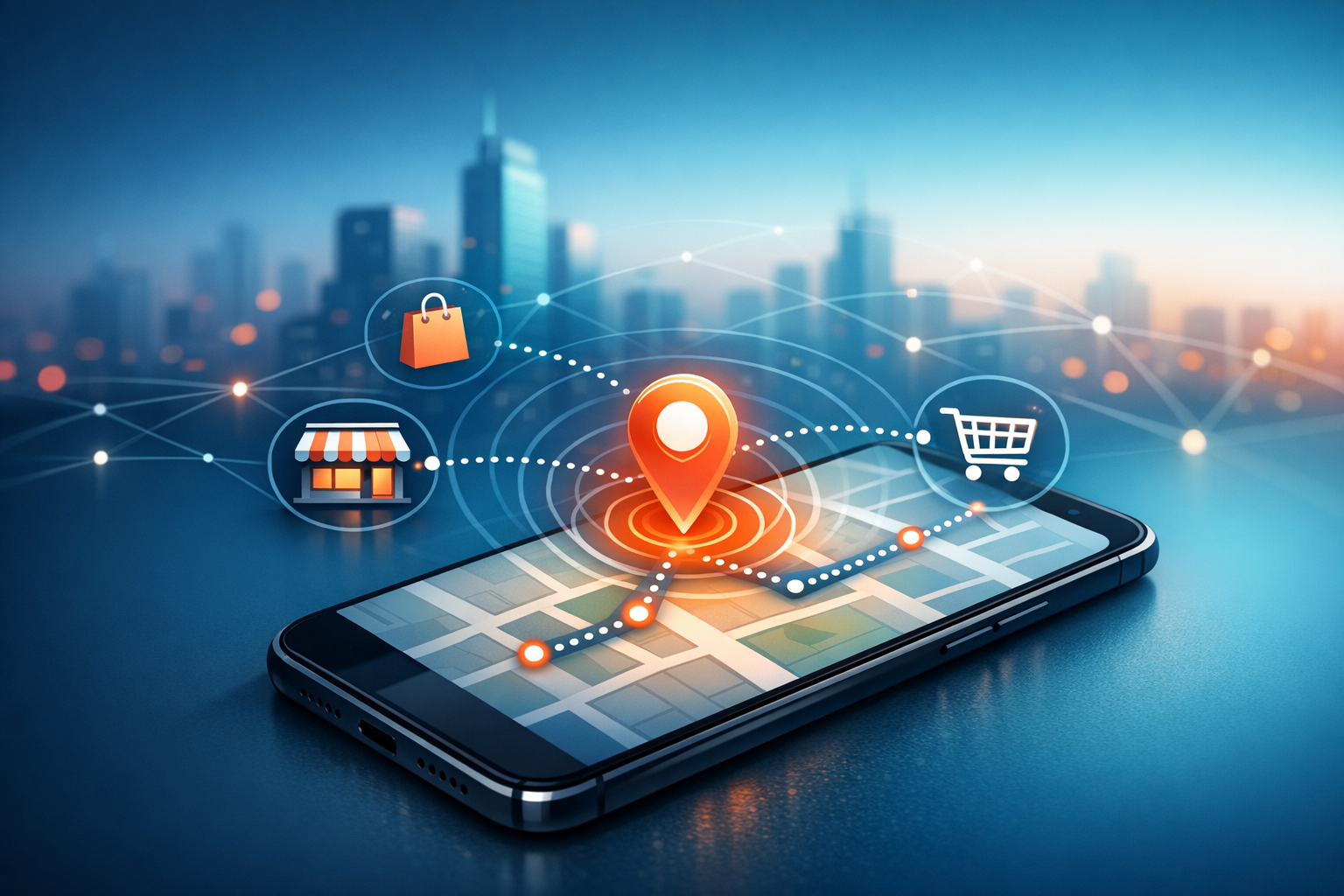
How to Use Geolocation in Apps to Boost Engagement and Sales
I was standing outside a café I go to way too often, doing that little shuffle people do when they’re pretending they’re not waiting for someone. My phone buzzed. Not a text. A push notification.
“Your usual is 10% off if you order in the next 20 minutes.”
I wish I could tell you I was above it. I’m not. I walked in and bought the thing. And that’s the moment I realised geolocation in apps isn’t some fancy extra—it’s a quiet nudge at exactly the right time.
If you’re building an app for your business (or trying to rescue one that’s… let’s say “under-loved”), location-based features can be one of the simplest ways to make the app feel alive. Not louder. Not more complicated. Just more relevant.
What geolocation actually is (and why it matters)
Geolocation in apps is just the app working out where your user is—roughly or precisely—using GPS, Wi‑Fi, mobile networks, or even an IP address. That’s it. No magic. No spy movie stuff. Mostly maths and radio signals.
Where it gets interesting is what you do with it. Because “where someone is” often answers questions you’d otherwise guess at: Which shop is closest? Is delivery available? Is this person travelling? Are they near an event? Should we show winter coats or suncream?
And yes, geolocation helps target specific areas for marketing and services. But if you treat it like a megaphone—“HEY YOU’RE NEAR OUR SHOP”—people will switch it off. Or worse, uninstall.
The best location-based services feel like the app is paying attention. Like it’s trying to be helpful, not clingy.
Start with a job-to-be-done, not a map
I’ve seen teams get excited and immediately build a map screen. Pins everywhere. Little animations. The whole “look, we have geolocation!” song and dance.
Then they realise nobody opens the map. Because most people don’t wake up thinking, “I hope an app shows me a map today.” They wake up thinking, “I’m hungry,” or “I need this delivered,” or “Where’s the nearest place that can fix my tyre before I lose my mind.”
So start there. What’s the moment your app can make easier because it knows the user’s location?
Here are a few location-based features that actually earn their keep:
- Nearest store / service with opening times that don’t lie
- Local inventory (“In stock 0.6 miles away” is oddly comforting)
- Delivery eligibility based on where the user is right now
- Local pricing or offers that make sense for that area
- Event check-ins or location-specific content
Notice how none of those require you to build a whole cartography department. They’re just small, useful answers to real questions.
Engagement: make the app feel timely, not needy
When people say they want to “boost engagement”, what they usually mean is: “I want users to come back without me bribing them with discounts forever.” Fair. Same.
Geolocation can help because it lets you show the right thing at the right moment. Not every moment. The right one.
Geofenced nudges are the obvious move: when a user enters a certain area, you send a message. But the trick is restraint. If you ping someone every time they walk past your shop, you’re not being clever—you’re being a mosquito.
I like to think in terms of “earned notifications”. The app should have a reason to interrupt.
- Service reminders when they’re near you anyway (“You’re close—want to book your MOT?”)
- Collection prompts when they’re within a short walk of the pickup point
- Contextual tips that reduce stress (“Parking is easiest on the north side after 5pm”)
And please—this is me begging politely—let users control it. A simple toggle like “Only notify me when I’m within 1 mile” can turn “annoying” into “actually useful”.
Also, don’t make location permission the first thing they see. It’s like asking for someone’s address before you’ve even said hello.
Sales: location makes buying feel easier (which is most of the battle)
Boosting sales with geolocation isn’t just about sending offers. It’s about removing friction that’s tied to place.
If your app can quietly answer “Can I get this here?” or “How long will it take to reach me?” you’re already doing better than half the apps on my phone.
Some practical ways geolocation in apps increases conversions:
- Auto-select the nearest branch so the user doesn’t have to scroll through a list of towns they’ve never visited
- Show accurate delivery times based on real distance, not hopeful estimates
- Localised product availability (nothing kills a purchase like “Out of stock” after ten taps)
- Click-and-collect that actually works—with directions, parking notes, and a “I’m on my way” button
If you run multiple locations, this stuff is gold. The app stops being a generic brochure and becomes a tool that adapts to where the person is standing.
And if you’re a single-location business? It still matters. Because “How far is it?” is often the real question behind “Should I bother?”
Getting location data without being creepy
Let’s talk about the awkward bit. People don’t mind sharing location when it’s clearly helping them. They mind when it feels sneaky.
The difference is mostly communication and choice. Say what you’re doing, in plain language, at the moment it matters.
Instead of: “Allow location access?”
Try: “We use your location to show the nearest availability and accurate delivery times. You can change this anytime.”
That’s it. No legal essay. No guilt trip. Just a reason.
Also—this is a big one—don’t collect more precision than you need. If your feature only needs the city or postcode area, don’t ask for precise GPS. Use approximate location. People are more likely to say yes, and you’ll still get the benefit.
And store less than you think you need. You probably don’t need a complete history of where someone’s been. You need to know where they are now, or roughly what area they’re in so you can serve them properly.
Practical implementation: keep it simple and reliable
I’m not going to pretend the tech side is always painless. Location signals can be messy. GPS drops out indoors. Wi‑Fi can be weird. IP address location is… let’s call it “optimistic”.
So build for reality. If you’re using geolocation for app features that affect money—delivery zones, store selection, service availability—give users a manual fallback. Let them type a postcode. Let them pick a branch. Let them correct you.
When it comes to the actual sources:
- GPS is great outdoors and for precise use cases (navigation, near-me triggers)
- Wi‑Fi and mobile networks are often good enough and less battery-hungry
- IP address works for rough personalisation, especially on web or when permission isn’t granted
Battery matters too. If your app is constantly polling location in the background, users will notice—and not in a good way. Use significant-change updates, or only request location when the user is doing something that benefits from it (like searching for nearby services).
One more thing: test in the real world. Not just in the office where everyone has perfect Wi‑Fi and unlimited patience. Walk outside. Try it in a car park. Try it in a shopping centre. You’ll find the cracks fast.
Marketing with geolocation: be local, not loud
Location-based marketing sounds like a dream: target people in a specific area, send the perfect message, watch sales roll in. Sometimes it works. Often it just adds noise.
The best use I’ve seen is when marketing becomes genuinely local. Not “Dear customer in Manchester”. More like: “It’s raining—here are the indoor options near you.” Or: “Busy weekend in town—order ahead and skip the queue.”
That kind of message doesn’t feel like a campaign. It feels like the app understands the context.
If you’re running promotions, keep them tied to something real:
- Time + place (quiet hours near a specific branch)
- Local events (offers around stadiums, festivals, conferences)
- Service coverage (new delivery area launches, but only to people who live there)
And cap frequency. Always cap frequency. The fastest way to turn a useful app into a muted app is to over-message.
Measuring what matters (without drowning in data)
It’s tempting to track everything: location pings, dwell time, heatmaps, the whole spy-kit. You don’t need most of it.
Pick a few outcomes that connect to engagement and sales, and watch those:
- Conversion rate for users who enable location vs those who don’t
- Store visits or check-ins (if you have a reliable way to measure it)
- Click-and-collect completion and pickup times
- Repeat purchases in areas where you run location-based offers
- Notification opt-out rate (a brutally honest metric)
If opt-outs spike after you launch a geofenced push campaign, that’s your answer. People aren’t “unengaged”. They’re irritated.
On the flip side, if you see fewer abandoned baskets because delivery times are clearer, that’s a win you can actually bank.
A small checklist before you ship anything
I like simple checks because my brain is a sieve and I will forget something obvious.
- Is the location feature clearly useful? Can you explain it in one sentence?
- Can the user say no and still use the app?
- Is there a manual fallback (postcode, search, branch picker)?
- Are notifications limited and easy to control?
- Are you collecting the minimum location precision and storing the minimum data?
If you can tick those off, you’re already ahead of most apps that treat geolocation like a party trick.
Because that’s the thing—geolocation in apps isn’t impressive on its own. It’s only powerful when it quietly removes a bit of effort, or adds a bit of certainty, right when the user needs it.
And if you do it well, people won’t even say, “Wow, great geolocation.” They’ll just keep the app. They’ll use it. They’ll buy the thing. Then they’ll get on with their day.
Which, honestly, is the nicest compliment an app can get.