
Beacon Technology for Business Apps: Use Beacons to Boost Engagement
I was standing in a shop pretending to browse candles I absolutely didn’t need… when my phone buzzed.
Not a text. Not a WhatsApp. A tiny nudge from the shop’s app: “You were looking at the lavender range last time — 10% off today.” It was weirdly specific. Also, annoyingly effective.
That little buzz is beacon technology at work. And if you’re building a business app (or trying to rescue one that’s gone a bit… quiet), beacons are one of those tools that can make your app feel less like a brochure and more like a helpful person standing nearby.
What beacon technology actually is (without the fluff)
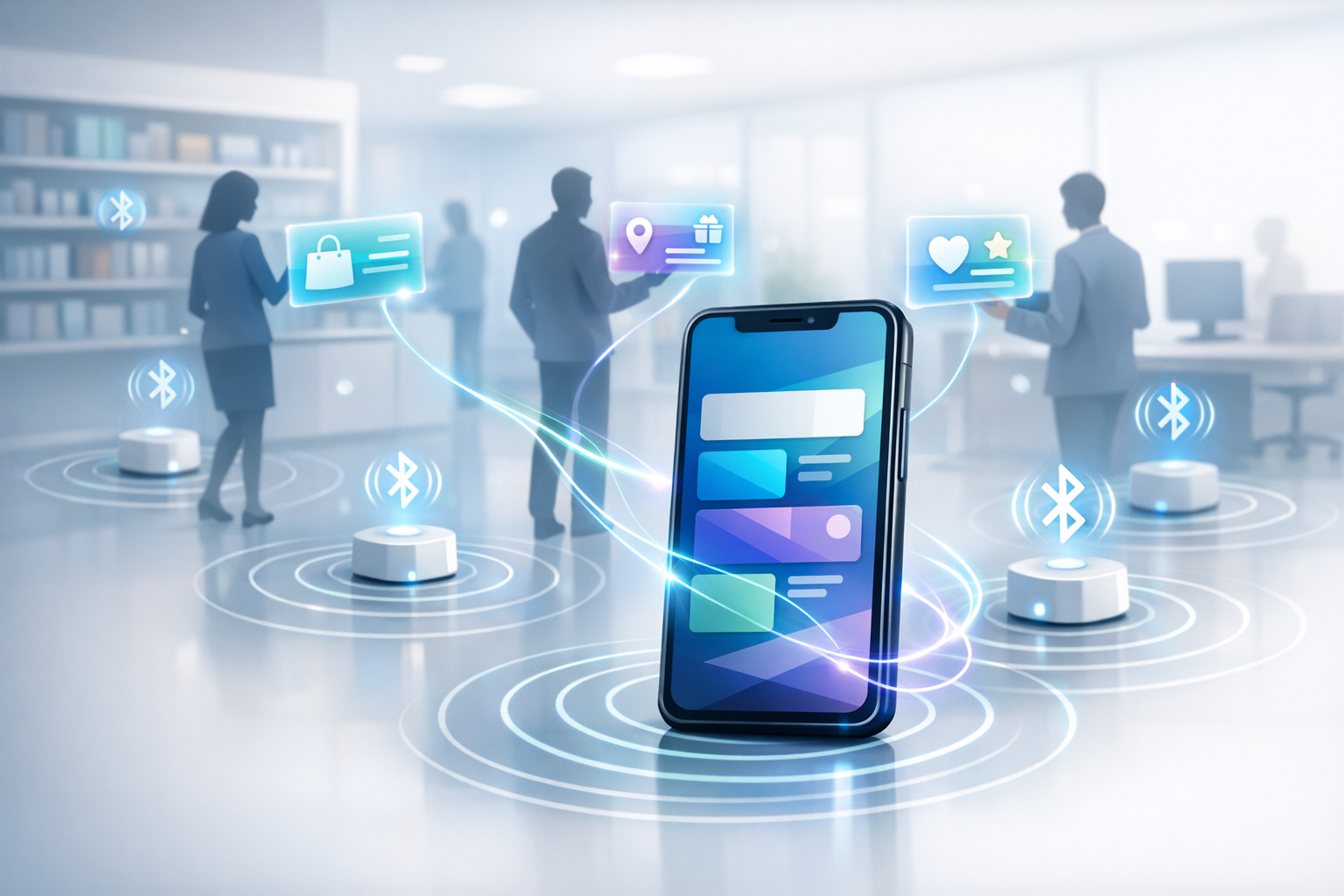
A beacon is basically a small Bluetooth transmitter. It sits in a physical location — a shop aisle, a hotel lobby, a museum room, a stadium gate — and it sends out a signal.
Your app listens for that signal. If the phone is close enough (and the user’s allowed Bluetooth/location permissions), the app can react: show a message, log a visit, unlock content, start a check-in flow, that sort of thing.
People tend to describe beacons like they’re magic. They’re not. They’re just consistent. They give your app a sense of place, and that’s a big deal when most apps are floating around in the same rectangle of glass.
You’ll hear names like iBeacon (Apple’s format) and Eddystone (Google’s). Under the hood, they’re just different ways of packaging the signal. Most decent mobile teams can work with either. The important bit is what you do with the moment you’ve detected someone is nearby.
Why beacons work so well for engagement (when they’re not annoying)
Most business apps struggle with the same awkward truth: people don’t wake up excited to open them.
They open your app because they need something. A booking. A receipt. A loyalty stamp. Directions. And then they disappear again.
Beacon technology gives you a way to show up at exactly the right time — not with “Heyyyyy remember us?”, but with something that fits the situation. That’s the difference between engagement and spam. Same phone. Same person. Totally different feeling.
I’ve seen beacon-based features lift in-store app usage simply because the app stopped asking for attention and started earning it. The app became useful in the moment it mattered.
Real-world ways to use beacons in a business app
Let’s keep this grounded. Here are patterns that actually work — the kind you can ship without turning your app into a notification cannon.
1) Proximity marketing that doesn’t make people roll their eyes
Yes, beacons are used for proximity marketing. And yes, it can go horribly wrong.
The bad version: someone walks in and gets blasted with five offers before they’ve even found the door handle. The good version: one timely, relevant nudge that feels like service.
Try things like:
- Welcome message that sets context: opening times, Wi‑Fi, where to start.
- Saved basket reminder if they abandoned something last visit (carefully, not creepily).
- One offer per visit, triggered only if it matches what they’ve shown interest in.
If you’re thinking “but I want more conversions”, I get it. I really do. But restraint converts too. People trust apps that don’t shout.
2) Indoor positioning when GPS gives up
GPS is great until you walk indoors. Then it becomes that friend who insists they’re “five minutes away” while clearly still in the shower.
Beacon technology can support indoor positioning by giving your app anchor points. You can guide someone through a venue, or at least help them understand where they are: “You’re near Gate C” or “You’re in the menswear section”.
This is gold for:
- Shopping centres and large retail stores
- Hospitals and clinics (finding departments without stress)
- Conferences and exhibitions
- Museums and galleries
And you don’t always need a full-on map. Sometimes the best “navigation” is simply showing the right info for the room they’re standing in.
3) Frictionless check-ins and queue smoothing
Queues are where customer goodwill goes to die.
Beacons can help your app recognise that someone has arrived, then start a check-in flow automatically. No QR code scavenger hunt. No “Where do I tap?” panic.
Think about:
- Gyms: auto check-in when a member enters
- Hotels: “You’re here — want to check in?”
- Events: prompt the ticket screen as they approach entry
- Clinics: “Confirm arrival” without speaking to a desk first
The trick is to keep the user in control. Suggest, don’t assume. Auto-anything can feel creepy if it’s too eager.
4) Contextual content that makes your app feel alive
This is my favourite use, because it’s not always salesy.
Beacons let you attach content to places. Stand here, get this. Walk there, see that. It turns your app into a companion rather than a menu.
Examples:
- Museums: audio guides that start in the right room
- Retail: product stories, how-to videos, care instructions
- Venues: accessibility info that appears exactly where it’s needed
- Factories/warehouses: safety prompts in high-risk areas
It’s engagement, sure. But it’s engagement built on usefulness, not interruption.
The bit nobody tells you: beacons are the easy part
Buying beacons and sticking them to walls is straightforward. The hard part is designing the experience around them.
If you’re building a business app, don’t start with “Where can we place beacons?” Start with “Where do customers get stuck, confused, or bored?” Then place beacons where they can relieve that friction.
I’ve watched teams spend weeks arguing about beacon range and battery life, then ship a feature that pops up a discount at random. Technically impressive. Practically useless.
Start with the moment. Build backwards.
Actionable tips before you build anything
I’m going to save you some pain here — mostly because I’ve already lived it.
Keep your triggers boringly predictable
Beacon signals can bounce. Doors open and close. People stand in weird spots. Your app needs to behave calmly even when the real world is messy.
Use simple rules:
- Debounce triggers (don’t fire repeatedly if someone lingers)
- Cooldowns (e.g., one message per zone per day)
- Entry/exit logic that doesn’t freak out if the signal drops for a second
If you do nothing else, do this. It’s the difference between “helpful” and “why is my phone yelling at me?”
Be honest about permissions
Beacon features usually rely on Bluetooth and location permissions. On iOS especially, you can’t be vague and hope for the best.
Explain why you’re asking. In plain language. At the moment it matters. Not in a giant permission dump the first time the app opens.
“Enable Bluetooth to get in-store navigation and faster check-in” beats “Allow access to Bluetooth?” every day of the week.
Design for people who say “no”
Some users won’t enable permissions. Some phones will have Bluetooth off. Some people will be on low power mode and everything gets a bit twitchy.
Your app still needs to work. Beacons should be an enhancement, not a requirement for basic functionality.
If the beacon layer fails, the app should fail gracefully — like nothing happened. Because, for the user, nothing did.
Measure what matters (and don’t get hypnotised by pings)
You can track beacon detections all day and still not know if your app got better.
Pick a few metrics that tie to real outcomes:
- Check-in time reduced
- Repeat visits
- Offer redemption without increased uninstalls
- In-store feature usage (product info, wishlists, scan tools)
And please, for the love of sanity, watch your uninstall rate after you turn on notifications. Beacons don’t ruin apps — overeager messaging does.
Choosing between iBeacon and Eddystone (and what you really need to decide)
Most business owners ask which beacon format is “best”. The slightly annoying answer is: it depends on your app and your team.
iBeacon is common in Apple-heavy environments and has a mature ecosystem. Eddystone was Google’s approach and is still used, though the surrounding services have shifted over the years.
In practice, what you’re deciding is:
- How you’ll identify locations (IDs, namespaces, zones)
- How you’ll manage beacon hardware at scale
- How your app will behave in the background vs foreground
- How you’ll keep the experience consistent across iOS and Android
If you already have an app team, they’ll likely have a preference based on tooling and past work. Let them have it. The customer doesn’t care what format you used. They care whether the app helps them.
Where beacon technology shines (and where it doesn’t)
Beacons are brilliant when you have a physical space and repeat footfall. Retail, hospitality, events, healthcare, education — anywhere the customer journey has literal steps you can stand on.
They’re less useful if your business is mostly remote, or if customers rarely visit a location. You can force it, sure… but it’ll feel like you’re bolting a doorbell onto a website.
Also: if your app is already struggling with basics (slow load times, confusing navigation, broken login), beacons won’t save you. They’ll just add a fancy new way for people to notice the cracks.
But if your foundations are solid, beacon technology can give your business app something rare — a sense of timing. The right message, in the right place, at the right moment.
And when that happens, engagement doesn’t feel like a metric. It just feels like the app is paying attention.
Which, honestly, is what we all want… from apps, from businesses, from each other.