
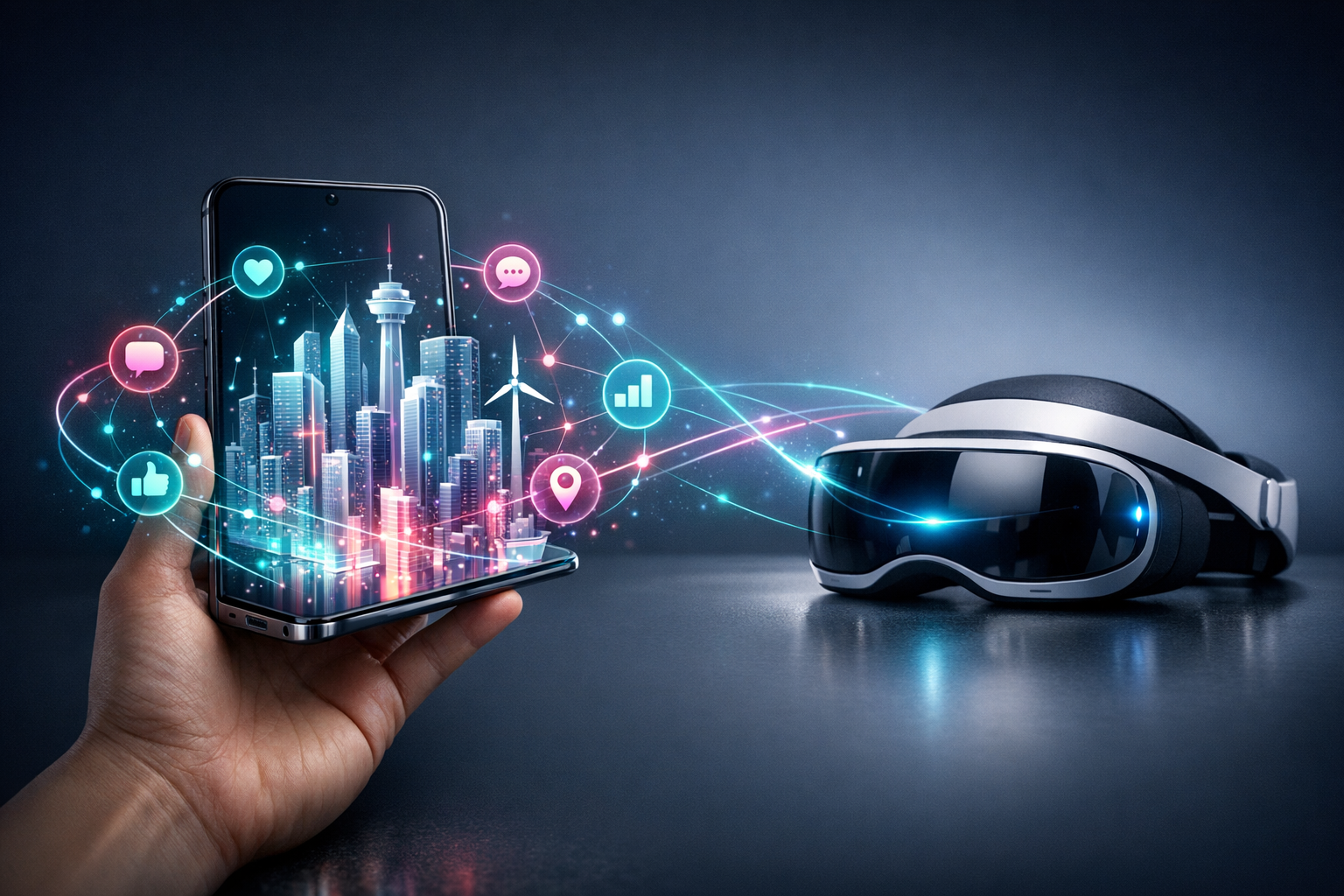
AR/VR in Mobile Apps: Boost Engagement With ARKit & ARCore Now
I was in a café the other week watching someone try to buy a sofa on their phone. They zoomed in on the fabric like it was a crime scene, squinted, then did that little sigh people do when they’re about to give up and “just pop in-store”.
Except… they didn’t. They opened the brand’s app, pointed the camera at the living room floor, and dropped the sofa into the space like it had always been there. They walked around it. They changed the colour. They laughed—actually laughed—because it looked ridiculous in lime green.
That’s the bit people miss when they talk about AR/VR in mobile apps. It’s not “the future”. It’s a very present, very human moment where uncertainty turns into confidence. And confidence is what makes people tap Buy, or book, or share, or come back tomorrow.
Why AR/VR works (when it works)
Most business apps are trying to do the same three things: help someone understand something, choose something, or feel something. AR and VR just do those jobs with fewer words and more “ohhh, I get it now”.
Augmented reality (AR) is the practical one. It puts digital stuff into the real world through the camera—products, directions, annotations, little bits of guidance. Virtual reality (VR) is the deep end—full immersion, usually with a headset, though mobile VR still pops up for training and tours.
And yes, sometimes AR is a gimmick. I’ve built things that were… let’s call them “enthusiastic prototypes”. But when AR is tied to a real decision—size, fit, placement, understanding—it can lift engagement in a way push notifications never will.
If you’re looking to create an app for your business (or improve a current app), the question isn’t “Should we do AR/VR?” It’s “Where are people hesitating?” That hesitation is your map.
ARKit and ARCore: the two engines you’ll probably use
If you’re building AR in a mobile app today, you’re almost certainly standing on two shoulders: ARKit (Apple) and ARCore (Google). They’re the core augmented reality frameworks that make the magic feel… not magical. More like physics.
ARKit is what makes iPhone and iPad AR experiences feel stable—objects stick to surfaces, lighting looks believable, tracking doesn’t drift (as much) when someone waves their phone around like a torch. ARCore does the same job for Android, and modern devices handle it surprisingly well.
Both give you the building blocks you actually need for business-grade AR: plane detection (floors, tables), motion tracking, light estimation, anchors (so objects stay put), and increasingly solid depth/occlusion (so things can appear behind real objects instead of floating like ghosts).
Here’s the thing, though—ARKit and ARCore don’t make a great AR app by themselves. They just stop it from being a terrible one.
What “good” looks like in AR
Good AR doesn’t start with “Wouldn’t it be cool if…” It starts with: “What’s the one thing a customer can’t easily tell from a photo?”
In my experience, the best AR features tend to fall into a few buckets:
- Try-before-you-buy: furniture placement, eyewear, cosmetics, watches, paint colours, tiles.
- Guidance and instruction: step-by-step overlays for equipment, DIY, maintenance, onboarding.
- Wayfinding: indoor navigation, event directions, campus maps—anything where signs fail people.
- Visualising the invisible: data overlays, measurements, “what’s behind this wall” (within reason), safety zones.
If your app already has decent traffic, AR can turn it into an experience people show their friends. That matters. Word of mouth is still undefeated.
Where AR boosts engagement (and where it quietly doesn’t)
Let’s talk about engagement, because it’s a slippery word. A user spinning a 3D model for 45 seconds is “engaged”… but they might also be stuck. AR engagement should feel like progress, not entertainment (unless entertainment is the product).
The clearest wins I’ve seen come from reducing returns, reducing support tickets, and increasing confidence at checkout. People don’t abandon because they’re bored. They abandon because they’re unsure.
AR is brilliant at answering questions like:
- “Will this fit here?”
- “Is it too big?”
- “What does it look like in my lighting?”
- “How do I use this without breaking it?”
Where AR often doesn’t help is when it’s bolted on as a novelty. A “view in AR” button buried on a product page, with a 40MB download and a confusing scan-the-floor ritual, is not engagement. It’s friction wearing a party hat.
So if you do this—make it fast. Make it obvious. Make it worth it within ten seconds.
Practical ways to add AR to an existing app (without blowing it up)
People assume AR means rebuilding everything. It doesn’t. Most of the time, you’re adding a focused feature: a viewer, a scanner, a guided overlay. A small room added to a house.
Start with one user journey. One. Pick the moment where a customer usually hesitates, contacts support, or bounces.
Then design your AR around that moment. Not around the tech demo you saw on YouTube at 1 a.m. (We’ve all been there.)
Some very doable additions:
- AR product placement for your top 10 products, not your entire catalogue.
- AR sizing tool that measures a space and suggests the right variant.
- Interactive onboarding where the app overlays labels onto a real device or location.
- AR “before/after” for home services—cleaning, renovations, landscaping—showing outcomes.
And please—test it in real environments. Not just your office with perfect lighting and a clean floor. Test it in a cramped hallway, on a patterned rug, in a dim pub, on a kitchen table covered in life.
Performance and file size: the unsexy deal-breakers
If your AR feature adds a huge download, you’ll lose people before they even see it. Keep 3D assets lean. Use level-of-detail models. Compress textures. Load what you need when you need it.
Also, remember older devices. ARKit and ARCore are strong, but not everyone is walking around with the latest phone like it’s a fashion accessory. Offer a graceful fallback—3D viewer, video demo, or a simple size guide.
AR should feel like a bonus, not a requirement.
What about VR in mobile apps?
VR is a different beast. It’s amazing for training, therapy, immersive storytelling, and virtual tours—especially when you need someone to feel present in a space before they arrive.
For most businesses, mobile VR isn’t the first step. The headset hurdle is real, and asking customers to do more is a risky move. But for internal teams—training, safety simulations, high-stakes rehearsals—VR can be worth every penny.
If you’re in real estate, travel, education, or complex equipment training, VR can turn “I think I understand” into muscle memory. That’s not marketing. That’s competence.
Still, if your audience is the general public, AR is usually the better starting point. It meets people where they already are: phone in hand, curiosity on standby.
Tools and platforms: ARKit/ARCore plus the stuff that saves time
ARKit and ARCore are the foundation, but you don’t always need to build everything from scratch. Depending on what you’re doing, platforms like Wikitude and SimLab can speed things up—especially for prototyping, location-based AR, or when you need content workflows that non-developers can touch without breaking anything.
Wikitude has been around long enough to be battle-tested, and it’s handy when you want cross-platform AR without living two separate lives. SimLab is popular for 3D and AR/VR content creation—useful if your team is already working in CAD or 3D design and needs a smoother path to mobile experiences.
My rule of thumb: if AR is a core differentiator, invest in doing it properly with ARKit/ARCore (and the right 3D pipeline). If AR is a supporting feature and you need to validate demand quickly, a platform can be the difference between shipping this quarter or “sometime next year”.
How to know if it’s working (without lying to yourself)
AR/VR metrics can get weird. It’s tempting to brag about “time in experience”, but time can mean delight… or confusion. I’ve watched users spend two minutes trying to get plane detection to work, slowly losing faith in humanity.
Track the boring business metrics alongside the fun ones:
- Conversion rate for users who used AR vs those who didn’t
- Return/refund rate on AR-enabled products
- Support tickets related to “fit”, “setup”, “what do I do now?”
- Feature adoption (how many people actually launch AR more than once)
- Drop-off points in the AR flow (permissions, scanning, placement, checkout)
Also—watch real people use it. Not in a polished usability lab with a one-way mirror. Just sit behind someone and keep your mouth shut. You’ll learn more in ten minutes than in a week of dashboards.
A realistic starting plan (the one I wish more teams used)
If I’m advising a business on AR in mobile apps, I usually push for a small, sharp pilot. One use case. One product line or one workflow. A success definition everyone agrees on before anyone opens Blender or Xcode.
Build the minimum AR experience that delivers a clear benefit. Make it stable. Make it quick. Then put it in front of customers and see if it changes behaviour, not just opinions.
Because people will tell you AR is “cool” all day long. Cool doesn’t pay for itself. Confidence does.
And once you’ve got that first win, you can expand—more products, better occlusion, nicer lighting, shared experiences, whatever fits your audience. You’re not betting the whole app on a trend. You’re adding a capability that earns its keep.
AR and VR aren’t magic tricks. They’re just new ways to answer old questions. Sometimes the best thing your app can do is stop asking users to imagine—and let them see it instead.